How to add a TF card to the box to expand the box's memory?
Oct 12,2025 | www.vseeboxus.store
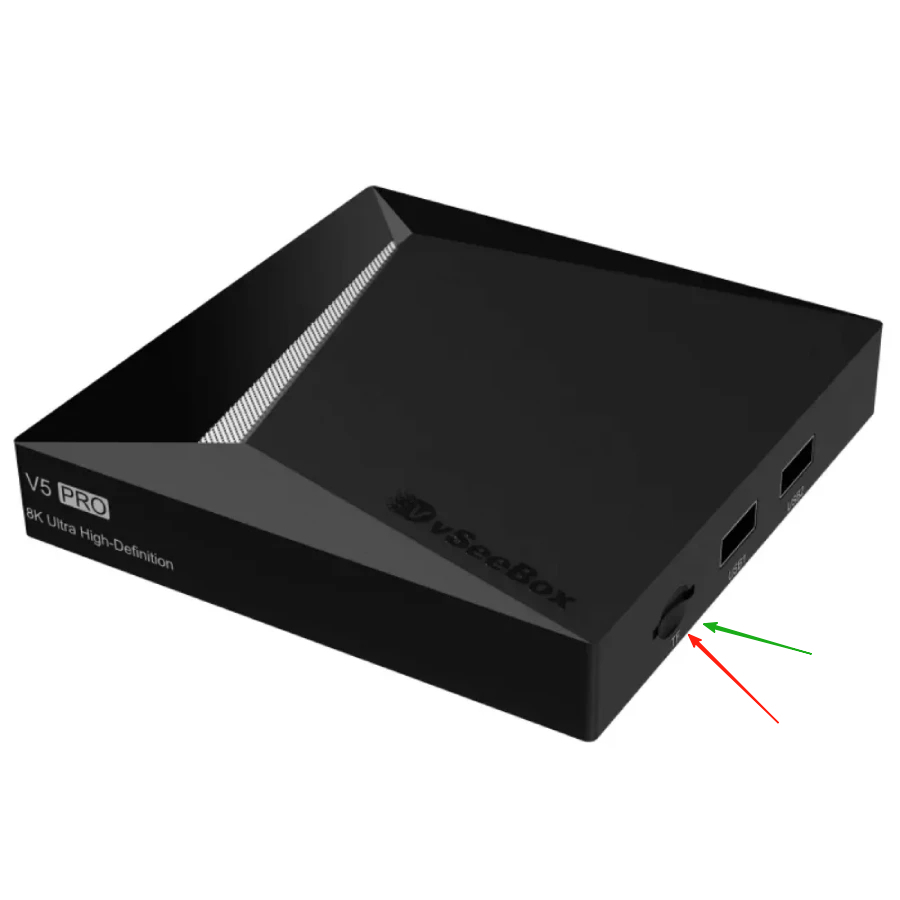
V5 PRO:
V3 PRO, V3 PLUS, V6 MAX, V6 PLUS:
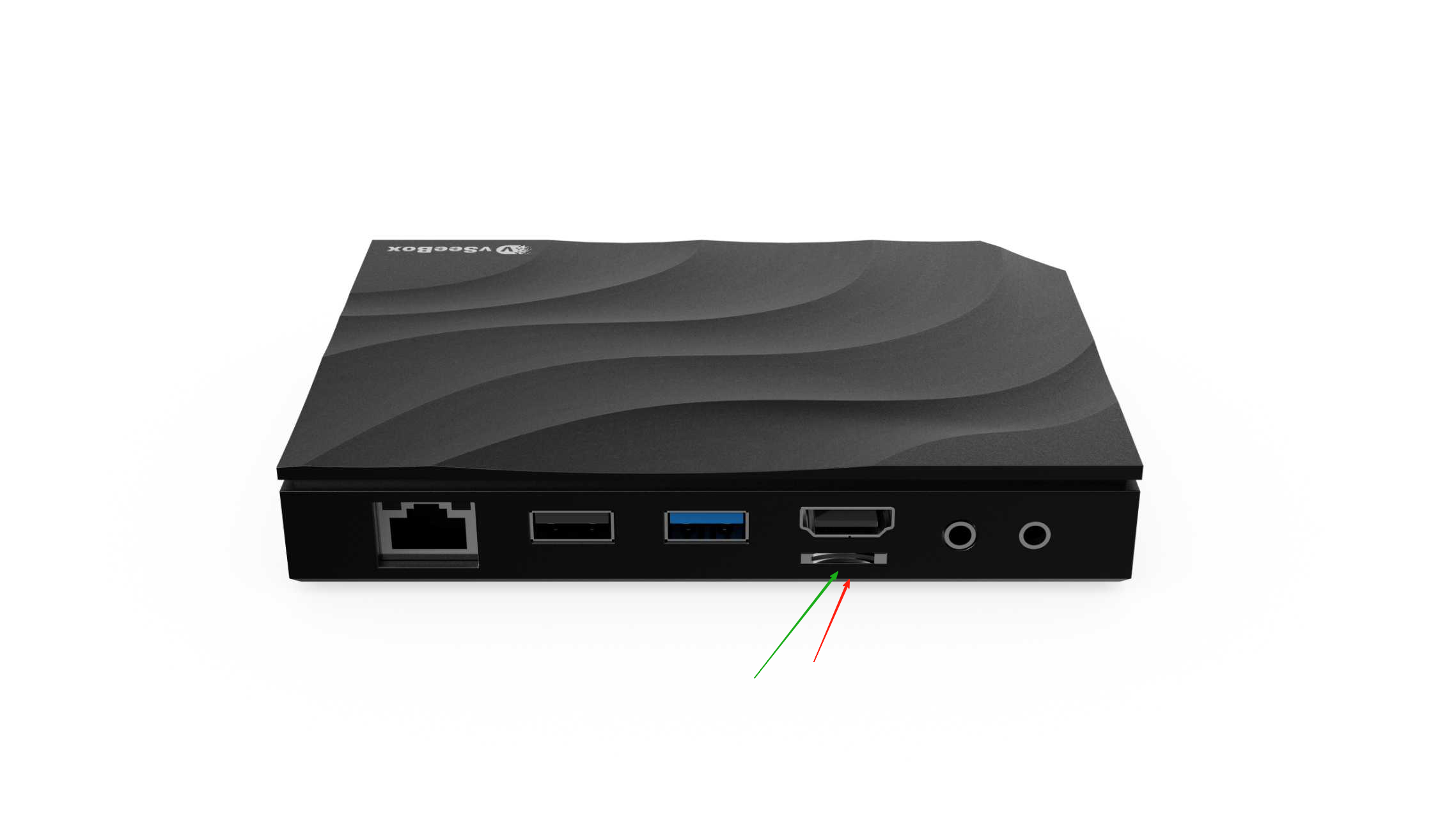
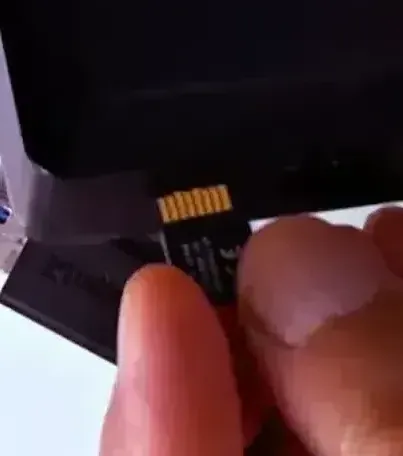
Find the position corresponding to the TF card slot of your box, then place the TF card with its golden tail facing upwards, and slowly and evenly push it into the TF card slot (like this picture), When your card gets stuck in the box and no longer pops out, congratulations, you have successfully inserted the TF card into your box. You can then find the location of the TF card in the system through the following steps and use the TF card according to your own needs: Go to System Settings → Device Performance → Storage
Comment